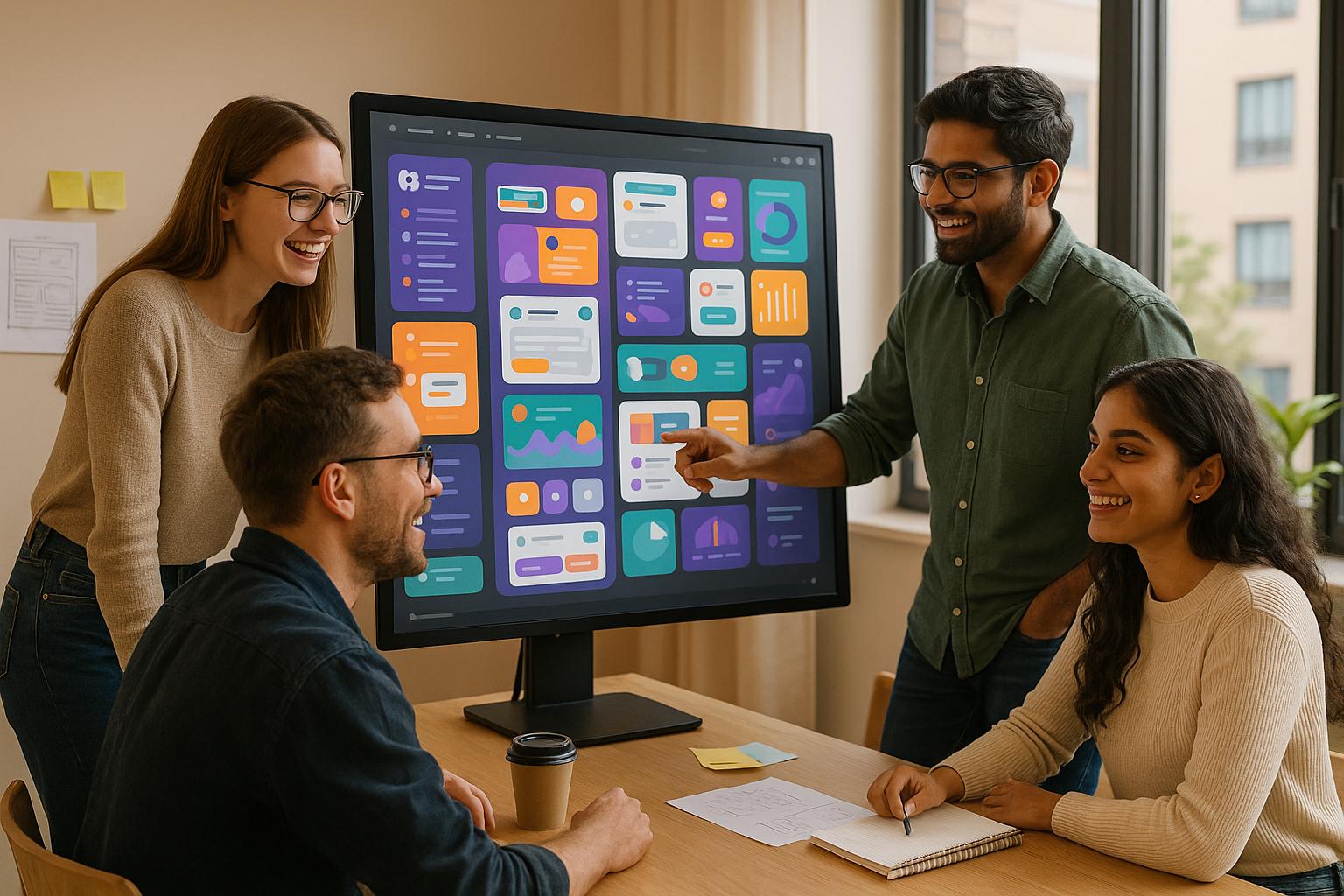
Figma Config 2025 introduced tools that drastically improve design workflows, saving time and simplifying complex tasks. Here’s what’s new:
- Figma Make: Turn text into app prototypes instantly with AI-driven tools, cutting prototyping time by hours.
- Figma Sites: Create responsive websites with automated code generation, reducing time-to-publish by 60%.
- Figma Buzz: Manage brand assets efficiently with AI-powered templates, saving up to 40% on asset production time.
- AI-Powered Tools: Contextual autosuggestions and image generation streamline repetitive tasks and speed up design iterations.
Key Impact:
- Handoff times reduced from 14.7 hours to 2.3 hours.
- Teams report up to 92% improvement in alignment and 65% faster project completion.
- Enhanced collaboration through a unified ecosystem.
These updates eliminate fragmented workflows, allowing designers to focus on creativity while achieving faster results.
Figma Config 2025 Highlights: All New Features in 10 Minutes ✅
Design Workflow Changes: Before and After Config 2025
Before Config 2025, design teams faced a maze of inefficiencies that ate up valuable time. On average, teams lost over 10 hours each week to fragmented workflows. To make matters worse, 94% of companies admitted that repetitive tasks during design-development handoffs only made things harder.
Common Design Team Challenges
Back then, design teams juggled between 3 to 7 different tools for tasks like designing, prototyping, handing off, and publishing. This patchwork of platforms created a host of problems:
| Challenge Area | Impact on Teams | Statistical Evidence |
|---|---|---|
| Design System Adoption | Inconsistent implementation across teams | 68% of DesignOps teams flagged this as a key issue |
| Project Handoffs | Slower delivery timelines | Average handoff time was 14.7 hours |
| Asset Management | Duplicate work and version control issues | Frequent version conflicts across teams |
These disconnected workflows didn’t just waste time – they also hampered communication, delayed feedback, and slowed down iterations. Enter Figma’s updates, which have tackled these challenges head-on.
New Workflow Solutions
Figma’s new tools have reimagined how design teams work, slashing project handoff times from 14.7 hours to just 2.3 hours. Here’s how they’ve done it:
- Integrated Development Environment
Figma’s built-in Dev Mode now allows users to export code directly. Paired with Figma Sites, this has sped up time-to-publish by 60%, a benefit reported by 74% of teams. - AI-Assisted Design Operations
Figma’s AI features, like contextual autosuggestions for text and design elements, have cut down on manual tasks. Teams using Figma Make have seen a 92% improvement in stakeholder alignment thanks to real-time AI-powered iterations. - Unified Asset Management
With Figma Buzz, managing brand assets has never been easier. Brand-safe templates and auto-saved changes across team libraries ensure consistency.
One standout example is Wix Studio, which used Figma Sites to migrate 12,000 marketing sites during the beta phase. They reported an incredible 89% reduction in content update time.
These updates reflect Figma’s mission to be an all-in-one creative platform. Features like Connected Projects make cross-team collaboration seamless, while Figma Make’s AI-driven code generation enables faster prototyping without the need to switch platforms.
Key Features Announced at Config 2025
At Config 2025, Figma unveiled three standout tools that are reshaping design workflows. Here’s a closer look at these innovations and how they’re impacting design teams.
Figma Make: Text-to-App Generation
First up is Make, a tool that revolutionizes how prototypes are created. Powered by Claude 3.5, Make enables designers to turn natural language input into functional app prototypes in no time. This means teams can go from idea to iteration almost instantly.
Here’s what Make does automatically:
- Pulls components directly from your team’s library
- Ensures brand consistency while generating editable developer code
During its early access phase, Webstacks used Make to create 12 landing page variants in just 3 hours, with 8 of them meeting client usability standards. That’s a massive leap in efficiency.
Figma Sites: Multi-Device Design Made Simple
Sites introduces a smarter way to handle responsive design. By automatically converting design constraints into CSS grid code, it removes the need for manual adjustments, saving time and effort.
| Feature | Benefit | Implementation Timeline |
|---|---|---|
| Live Preview Mode | Test designs across devices in real time | Available now |
| CMS Integration | Update content without redesigning | Q3 2025 |
| Responsive Presets | Access to 50+ prebuilt templates | Available now |
"Finally solves the prototype-to-production gap" – Webstacks Head of Growth
With Sites, designers can preview their work on multiple devices instantly and deploy designs faster than ever before.
Figma Buzz: Smarter Brand Asset Management
Lastly, Buzz focuses on brand asset management. Its standout feature, "focused editing", locks down brand elements while allowing marketing teams to tweak approved content areas. This ensures brand consistency without slowing down production.
For example, O3 Brand Studio reported impressive results after adopting Buzz:
- A 40% reduction in asset production time
- 100% brand compliance maintained
- Enhanced collaboration with locked templates
"Game-changer for asset generation" – Simone Dehel, O3 Senior UX Designer
Buzz also leverages AI to create bulk assets for entire campaigns, all while adhering to brand guidelines. This makes managing campaigns across multiple channels a breeze.
Together, these tools – Make’s AI-driven prototyping, Sites’ streamlined responsive design, and Buzz’s intelligent asset management – are transforming the way design teams work. They reduce friction and create a more cohesive, efficient ecosystem, setting the stage for deeper integration with mobile ad campaigns, which we’ll explore next.
Mobile Ad Campaign Implementation
Figma’s Config 2025 introduces tools that reshape how mobile ad campaigns are created and executed. By blending design innovation with practical campaign management, these features allow designers to speed up production while enhancing team collaboration.
Holiday Campaign Creation Process
Combining Figma Make and Buzz has revolutionized how holiday campaigns are developed. Tasks that used to take about two weeks can now be completed in just 3–4 days, thanks to AI-driven tools.
This new workflow allows teams to:
- Develop Regional Campaigns: AI-generated images help create variations that resonate with different audiences, reducing adaptation time by 60%.
- Refine Copy Efficiently: Auto-suggestions ensure ad copy aligns with specific platforms and audience segments.
Performance Data Comparison
The early results speak volumes:
| Metric | Improvement | Key Driver |
|---|---|---|
| Production Time | -50–65% | AI-powered generation |
| Click-Through Rate | +22–28% | Enhanced visual quality |
| Conversion Rate | +15–20% | Faster testing capabilities |
| Cost Per Acquisition | -18% | Higher engagement rates |
| Time-to-Market | -40% | Simplified workflows |
The integration of Figma Sites for mobile previews has had a major impact. Teams have achieved a 32% reduction in post-launch design revisions, a 24% boost in cross-device engagement, and instant previews across various mobile devices.
Meanwhile, Buzz’s permission-based editing system ensures brand consistency by dynamically updating all assets whenever core brand elements are modified. This seamless process strengthens campaign alignment and keeps branding on point.
With these advancements, Figma is paving the way for even deeper AI-driven design capabilities in the future.
sbb-itb-9ef3630
AI Design Tools: Next Steps
Figma continues to build on its earlier advancements in AI and asset management by enhancing ad platform integrations – all while ensuring that creative vision remains intact.
Ad Platform Integration Features
Figma now offers seamless integration with ad platforms to simplify campaign execution. Figma Make, powered by Claude 3.5, transforms natural language prompts into ready-to-use, compliant code snippets. Meanwhile, Figma Buzz supports marketing teams by generating scalable ad variations that align with brand safety standards. These integrations pave the way for more efficient workflows and clearer AI design practices.
Guidelines for AI-Driven Design
To strike the right balance between AI-powered efficiency and maintaining a creative edge, design teams should follow key best practices:
| Aspect | Guideline | How to Implement |
|---|---|---|
| Content Review | Ensure human oversight | Schedule regular reviews of AI-generated assets. |
| Brand Voice | Set clear parameters | Define brand-specific rules within Figma Buzz. |
| Creative Control | Use a staged approval process | Reserve final design decisions for human team reviews. |
Experts emphasize using AI as a starting point while keeping human oversight central to the process. This ensures that authenticity and creative intent remain intact. Design teams should establish clear parameters, enforce review schedules, and maintain consistent feedback loops to refine AI-generated outputs.
These advancements highlight how design automation can streamline workflows without compromising human creativity, ensuring that people remain at the heart of the decision-making process.
Conclusion: Impact on Design Teams
Figma Config 2025 is shaking up how design teams operate, introducing tools that redefine efficiency and creativity. With four new products seamlessly integrated into Figma’s ecosystem, teams are now equipped to tackle tasks with greater ease and speed.
One standout development is the use of AI-powered automation to handle repetitive tasks, allowing designers to stay immersed in their creative flow. As highlighted in the keynote, "pushing design further matters more now than ever". This vision comes to life through AI tools that simplify processes like visual asset creation.
Here’s a quick look at how workflows have transformed:
| Workflow Area | Before Config 2025 | After Config 2025 |
|---|---|---|
| Website Creation | Required developer handoff | Direct publishing with Figma Sites |
| Asset Generation | Manual creation across tools | AI-assisted with Figma Make + Claude 3.5 |
| Brand Content | Time-intensive manual work | Automated scaling via Figma Buzz |
| Team Collaboration | Fragmented toolsets | Unified ecosystem across 8 products |
These updates don’t just streamline tasks – they’re changing how teams are structured. Designers can now dedicate more time to big-picture strategy and creative problem-solving, while also boosting their overall output. AI integration across the platform ensures teams retain creative control while leveraging powerful new tools.
And there’s more on the horizon. Features like a CMS layer for Figma Sites are set to debut later in 2025, keeping design teams equipped to meet evolving industry needs.
Figma Config 2025 is more than just an update – it’s a game-changer. By enabling smarter, faster, and more creative workflows, these tools empower teams to focus on what truly matters: crafting exceptional user experiences and pushing the boundaries of design.
FAQs
How does Figma’s AI-powered ‘Make’ feature turn text into app prototypes, and how does this improve design efficiency?
Figma’s AI-powered ‘Make’ feature is a game-changer for designers, turning simple text descriptions into fully functional app prototypes in just seconds. Using advanced natural language processing, it takes your input and automatically creates layouts, components, and design elements – no need for tedious manual setup.
This tool doesn’t just save time; it transforms how teams work. By cutting down on repetitive tasks, designers can focus more on refining creative ideas. Plus, it makes collaboration smoother – stakeholders can see concepts come to life faster and give feedback earlier in the process.
What makes Figma Sites a game-changer for responsive web design compared to traditional methods?
Figma Sites: Redefining Responsive Web Design
Figma Sites is changing how designers approach responsive web design by making the process simpler and more adaptable. Traditionally, creating responsive layouts meant juggling multiple tools or diving into coding environments. Figma Sites eliminates this hassle, letting designers craft, test, and refine layouts directly within the platform. The result? A faster workflow and consistent designs across all devices.
Key features like dynamic scaling, real-time collaboration, and user-friendly design controls make it easier for teams to fine-tune designs for different screen sizes. This means designers can dedicate more energy to creativity and enhancing user experiences, while Figma Sites takes care of the technical side of responsiveness. It’s a game-changer for streamlining web design workflows.
How does Figma Buzz simplify brand asset management and ensure consistent branding across all campaigns?
Figma Buzz simplifies the way teams handle brand assets by providing a single, organized space to store, manage, and access everything from designs to logos and templates. With this centralized system, everyone stays on the same page, working with up-to-date materials – cutting down on confusion and saving valuable time.
To keep branding consistent, Figma Buzz lets you establish preset brand guidelines that are automatically applied across all projects. This ensures every campaign stays aligned with the brand’s identity, regardless of its size or complexity.
Related posts
- Creating Functional Ad Creatives, Infographics, UI Design, Image Re-styling, Comics, Website Layouts and more using GPT 4o
- 5 Tools and Techniques to Master Vibe Coding for Creative Tech Projects
- Why Node-Based AI Tools Like FloraFauna.ai Are the Future of Creative Teams
- Design Meets Code: 5 Ways AI is Blurring the Line Between Designers and Developers