
i.
One-click pin from any profile.
Open a profile you want to keep reading. Click the PinnedIn icon. They live on your rail until you remove them — no folders, no tags, no setup.
One-click pin
No setup
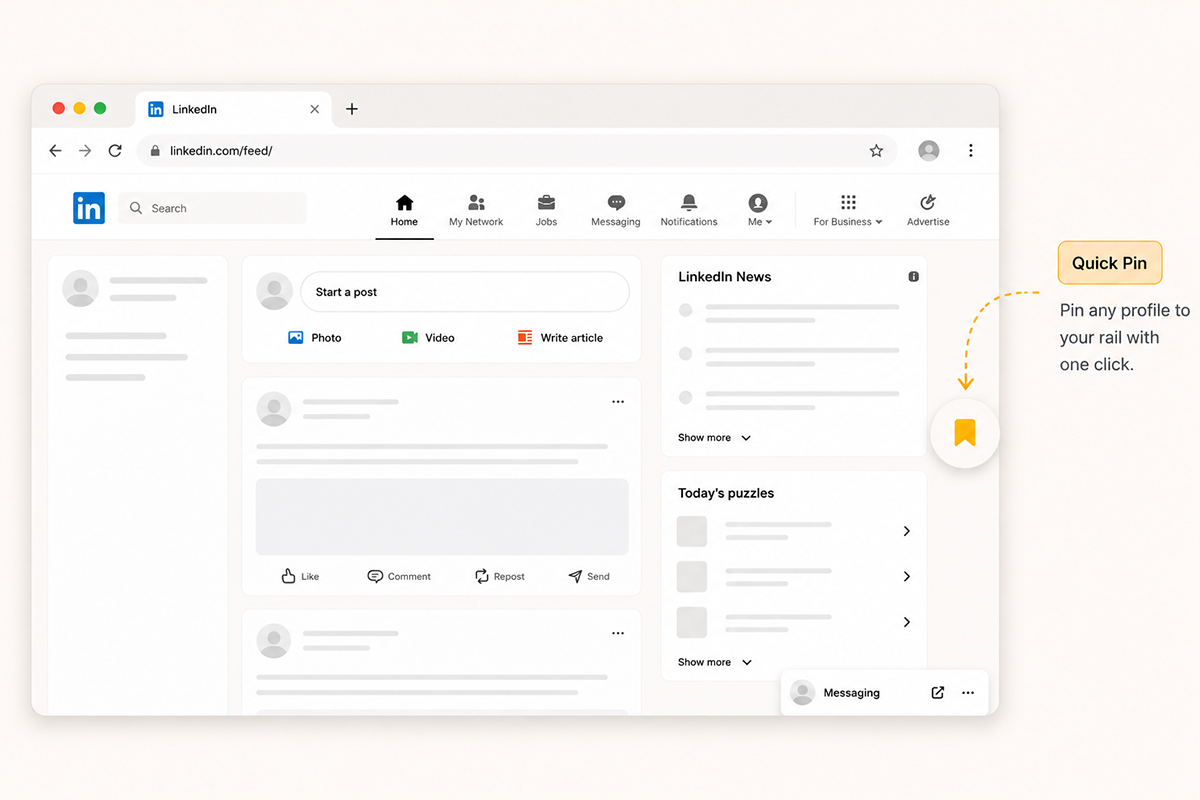
PinnedIn is a Chrome extension that pins the people you care about on LinkedIn to a shortcut rail on the left edge of your screen. One click takes you straight to their latest posts — no feed roulette, no search box, no scrolling past the noise.

You follow people on LinkedIn whose thinking you respect — the founder building in public, the creative director two steps ahead of the trend, the peer whose posts you'd actually pay for.
So why does your feed open on a viral hot-take from a stranger, three engagement-bait polls, and an ad — while the one person you wanted to read sits four scrolls down, or doesn't show up at all?
The feed decides who you see. You don't.
PinnedIn is deliberately narrow. It does one thing — keep the people you choose to follow one click away — and it tries to do it without getting in the way.
Open a profile you want to keep reading. Click the PinnedIn icon. They live on your rail until you remove them — no folders, no tags, no setup.
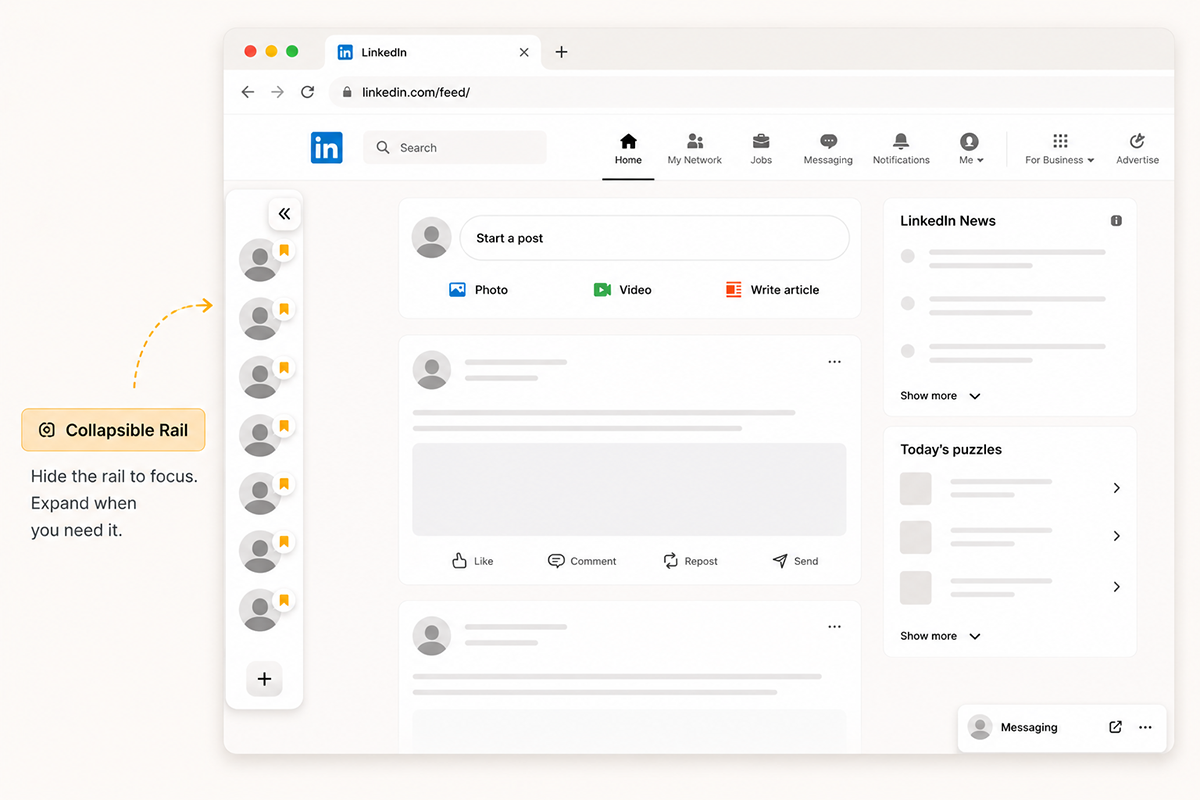
The rail sits on the left edge of LinkedIn, always visible but never loud. Collapse it when you're heads-down. Expand it when you want to read on purpose.
Your pinned list is yours. It lives locally in your browser and you can export it whenever you like — a small, portable record of the voices you choose to read.
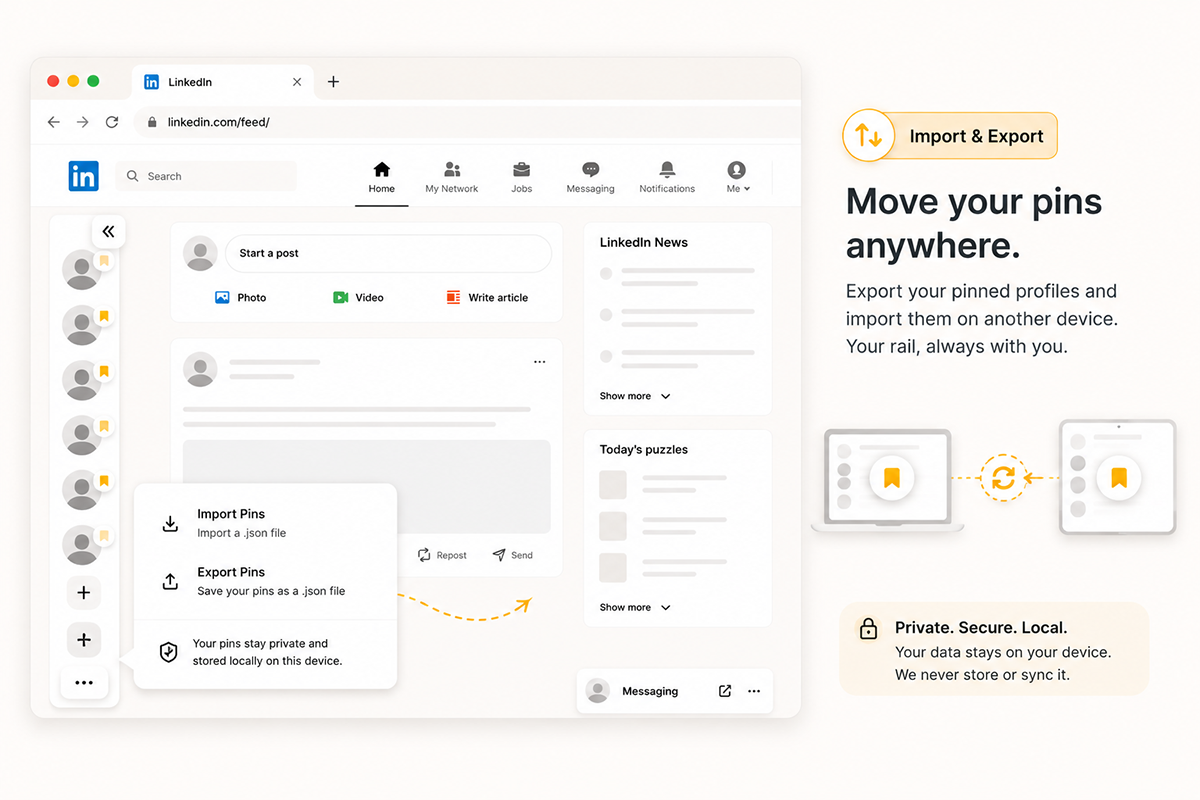
No accounts. No sync. No second app to manage. Four steps, and you're done.
Land on any LinkedIn profile of someone whose posts you don't want to miss.
Hit the PinnedIn icon. The profile joins your shortcut rail instantly.
One click on the rail takes you straight back to their profile and latest activity.
Reorder, remove, export. Your list, your order, your call — at any time.
Free. Local. Lightweight. Built by a creative director who got tired of losing good thinking to the feed.
No accounts. No tracking. Your pinned list never leaves your device. Read the privacy policy.