
Vibe coding is transforming how apps and software are built, making it faster and easier for anyone – even without coding experience. Here’s what you need to know:
- What is Vibe Coding? It’s an AI-powered method that turns plain English descriptions into functional code, helping you create prototypes in minutes.
- Why It’s Useful: Develop projects 20× faster, fix bugs instantly, and collaborate seamlessly with non-technical team members.
- Top Tools: Platforms like Lovable.dev, Bolt.new, and Cursor.com simplify coding with features like natural-language editing, live previews, and one-click deployment.
- Who Benefits? Designers, product teams, and founders can focus on creativity and user experience without worrying about technical barriers.
Vibe coding tools like Lovable.dev let you describe your idea, generate code, and refine it – all in plain English. With AI handling the hard parts, creating software has never been this accessible.
Master AI in 111 Minutes: Tools, Agents and Vibe Coding
Understanding Vibe Coding Basics
Let’s break vibe coding into three simple stages to see how it works.
What Vibe Coding Does
Vibe coding turns plain English into functional code, eliminating the need for traditional, line-by-line programming.
Here’s how it works:
- Describe: Share your app idea in natural language, just like you’d explain it to a colleague. The AI picks up on the context, requirements, and design preferences.
- Generate: The system converts your description into working code, delivering a prototype in seconds instead of hours or days.
- Refine: Use plain-English prompts to tweak, fix, or improve the code. The AI updates it instantly.
Why It’s a Game-Changer for Tech Projects
"Lovable empowers me to create frontends that surpass my own technical limitations. It allows me to swiftly develop prototypes to showcase to clients, without the need for generic templates or starting from scratch."
– Marius, Veloxforce
Some standout advantages include:
- Development up to 20× faster
- No coding experience required
- Seamless collaboration with non-technical team members
- Instant prototyping
- Reduced need for a large development team
This approach shifts the focus to creativity and user experience, while the AI takes care of the technical details. It can fix bugs, handle UI updates, and maintain code quality, ensuring the final product meets professional standards without requiring advanced programming skills.
Up next, we’ll dive into the IDE platforms that make these stages even smoother.
IDE Basics and Coding Platforms
Understanding coding basics is just the first step – selecting the right IDE can make your workflow smoother and more effective.
What Is an IDE?
An Integrated Development Environment (IDE) serves as your all-in-one coding workspace. It provides features like smart code suggestions, real-time error checks, built-in debugging, version control, and even AI-supported coding tools. These tools are designed to make coding easier, whether you’re a developer or a designer.
"Using Windsurf for just one day feels like strapping on rocket boosters." – Garry Tan, President & CEO
Browser-Based vs. Desktop IDEs
Coding platforms generally come in two forms: browser-based and desktop applications.
- Browser-based IDEs are ready to use without installation. They support live previews, drag-and-drop asset handling, deployment across multiple cloud services, Figma integration, and direct Stripe connections. These are often preferred by designers for quick prototyping and collaborative work.
- Desktop IDEs, on the other hand, offer more in-depth access to your system and allow offline work. This makes them a better fit for developers who need deeper functionality.
Up next, we’ll look at five popular vibe coding tools that take full advantage of these IDE features.
sbb-itb-9ef3630
5 Top Tools for Vibe Coding
Here are five tools that are changing how designers and developers tackle vibe coding projects.
Lovable.dev Features
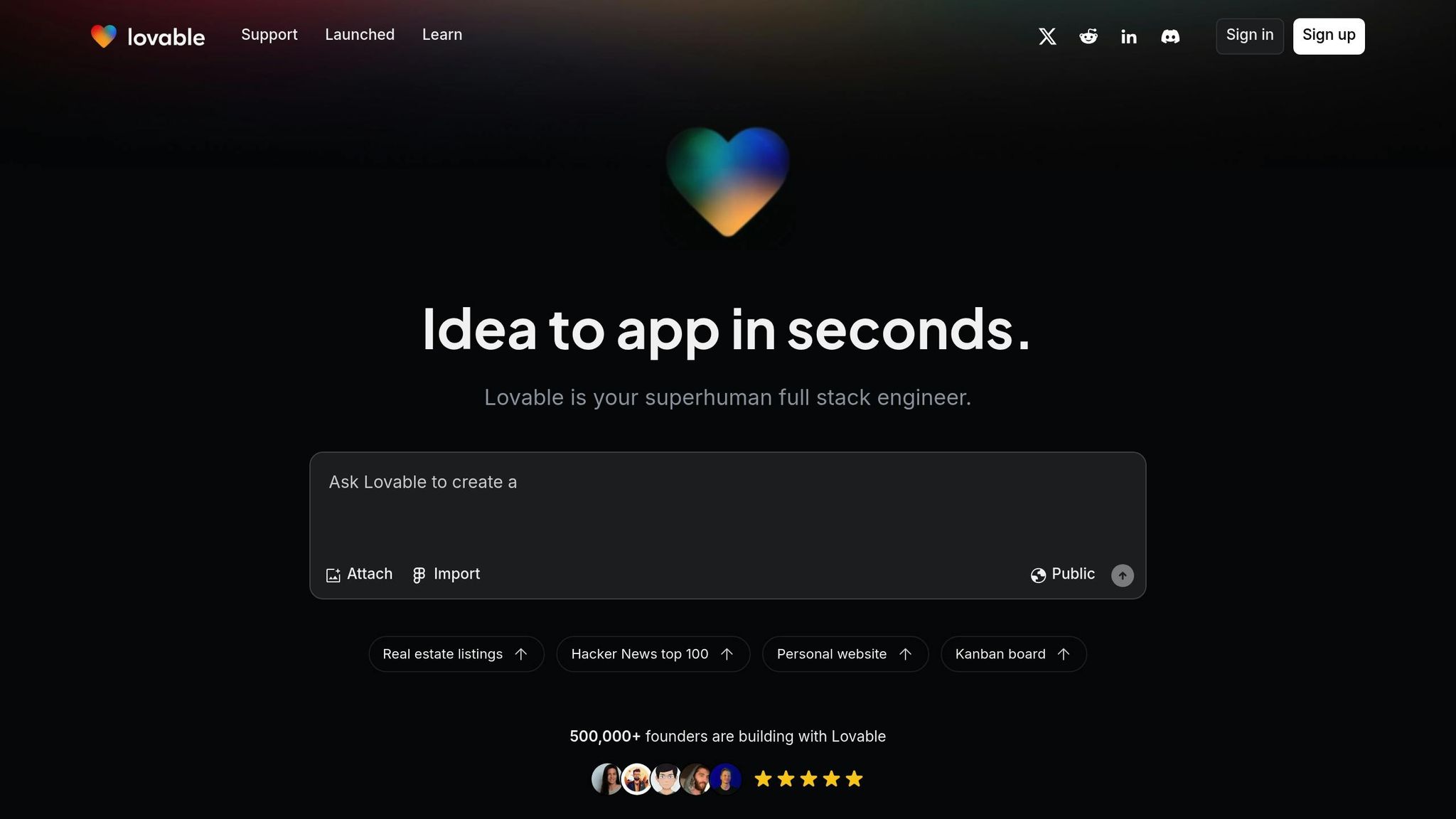
Lovable.dev is a browser-based AI coding tool that allows users to create software without writing a single line of code. Its AI-driven platform helps users develop applications up to 20 times faster than traditional methods.
Key features include:
- Accepts natural language input for starting projects
- Instant live rendering and preview
- Detailed control over elements
- Built-in AI bug fixing
- Integration with GitHub for syncing code repositories
- Supabase connector for database management
"Lovable is hands down the best tool I’ve ever used. It’s like a seasoned developer sharing advanced techniques. For the first time, I can build apps without the headache. It’s so much fun to use and gets me results in a heartbeat. Love it!" – Karin
Bolt.new Capabilities
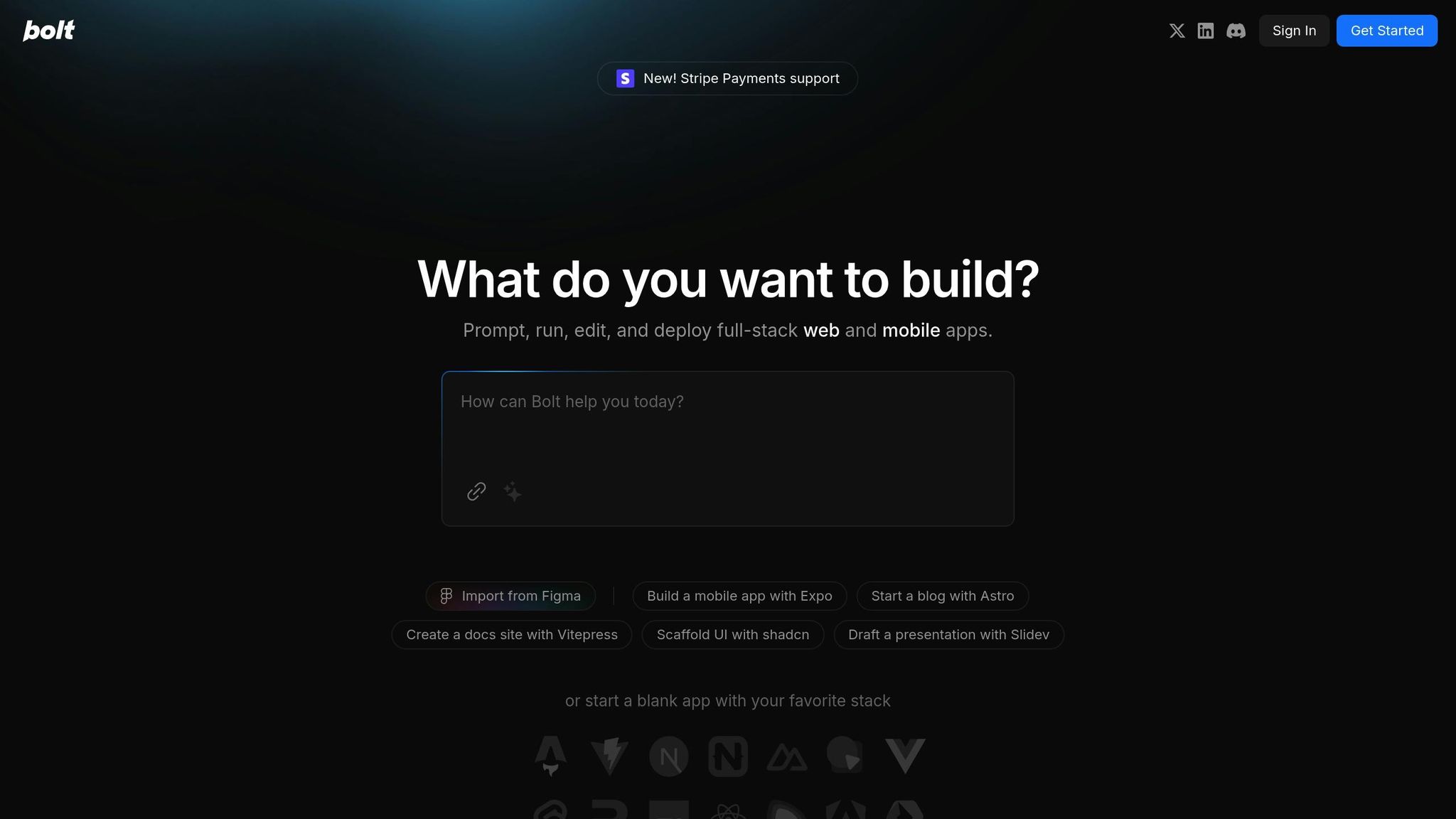
Bolt.new simplifies full-stack web and mobile development with its innovative browser-based IDE.
Key features include:
- Quickly create and deploy documentation sites, UI scaffolds, blogs, and presentations
- Browser-based development environment
- Support for full-stack applications
- One-click deployment system
Cursor.com Functions
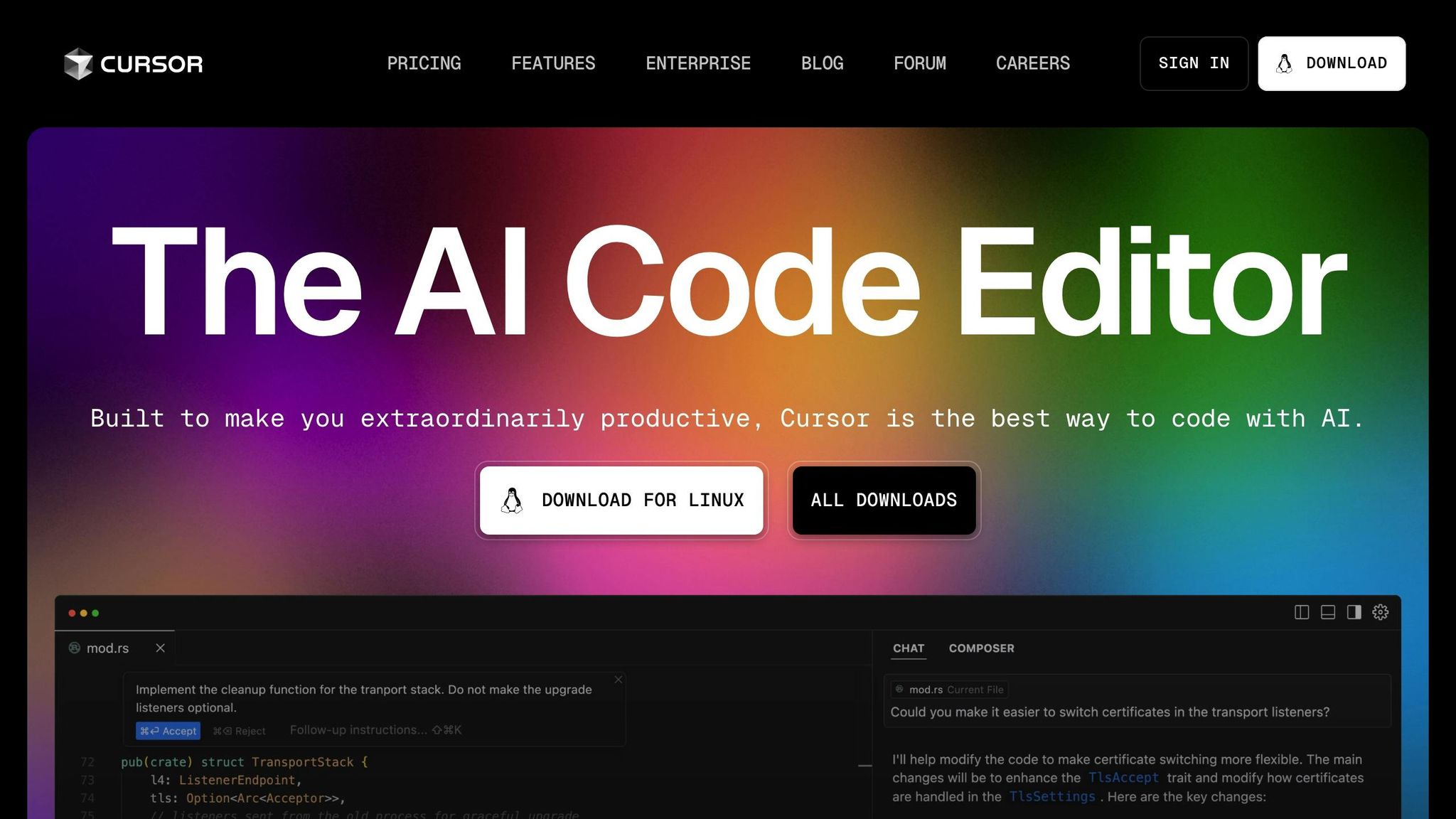
Cursor.com boosts productivity for designers and developers with its AI-powered desktop IDE.
"Cursor’s predictive tab completion often anticipates the next line of code, letting you code at the speed of thought." – Kevin Whinnery, OpenAI
Core strengths include:
- Predictive multi-line code completion
- Natural language editing
- Awareness of the entire codebase for better context
- AI-assisted pair programming
Next, A0.dev introduces automation for both frontend and backend development tasks.
Getting Started with Vibe Coding
Ready to dive into vibe coding? Let’s walk through how to kick off your first project using the tools you’ve learned about.
Basic Coding Methods
Start by describing your app’s features in plain English. A tool like Lovable.dev can turn your description into a prototype. From there, you can refine it by providing simple prompts. Want to make changes? Just ask in plain English, and the AI will handle the updates. You can even connect Lovable.dev to GitHub for version control and deploy your app with a single click.
Training Resources
If you’re new to vibe coding, here’s how to build your skills:
- Start with simple UI descriptions, then gradually add complexity.
- Use built-in connectors like Supabase and APIs to integrate databases and services.
- Experiment with prompts to adjust the layout, style, and functionality of your app.
"I tried Lovable yesterday, and it was amazing. I had to build a showcase for our own AI model. One prompt was enough to get a solid UI, and after a few iterations it was connected to our API." – Daniel
The key is to focus on crafting clear prompts, understanding the generated code, and setting up feedback loops. This approach will help you deploy and maintain your app smoothly.
Conclusion
Platforms like Lovable.dev, Bolt.new, and Windsurf.com are changing the game with vibe coding. By bridging the gap between design and implementation, these tools enable creative teams to turn plain-English prompts into production-ready code – no extensive programming skills required. For instance, Windsurf.com has reported a productivity increase of 40-200% among developers. Meanwhile, AI-driven IDEs, whether browser-based or desktop, make prototyping faster and collaboration smoother.
Vibe coding is making software development more accessible. Features like natural-language editing and automated bug fixes allow creative teams to concentrate on design rather than technical hurdles. These AI-powered tools simplify the entire process, from initial concept to final deployment.
As these technologies advance, they’re reshaping how creative professionals tackle technical projects. With the right tools, your next idea could move from concept to prototype in just minutes.
Related posts
- Best Practices for AI-Generated Ad Content
- Use of AI tools in Music Production and its legalities
- The Spotify of Creation? How Suno, Udio and Riffusion Are Reshaping Music’s Ecosystem
- Creating Functional Ad Creatives, Infographics, UI Design, Image Re-styling, Comics, Website Layouts and more using GPT 4o